Add New Booking from Calendar
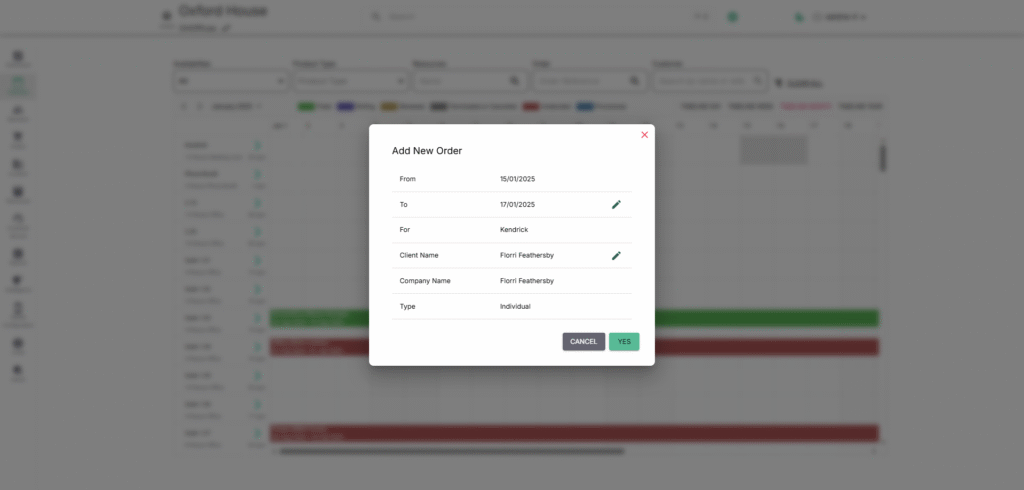
Quickly schedule reservations right from the calendar by selecting or dragging on a date and resource slot. Enter the booking details and save to instantly create a new entry.
✨ Creating & Managing Calendar Entries
The Calendar isn’t just for viewing—it’s your direct booking tool.
- Create a Booking: Click or drag on the date/resource slot → Enter booking details → Save.
- Edit a Booking: Select an existing booking → Update details (time, customer, resource).
- Cancel a Booking: Open booking details → Choose cancel option → Confirm.