Passes’ Overview
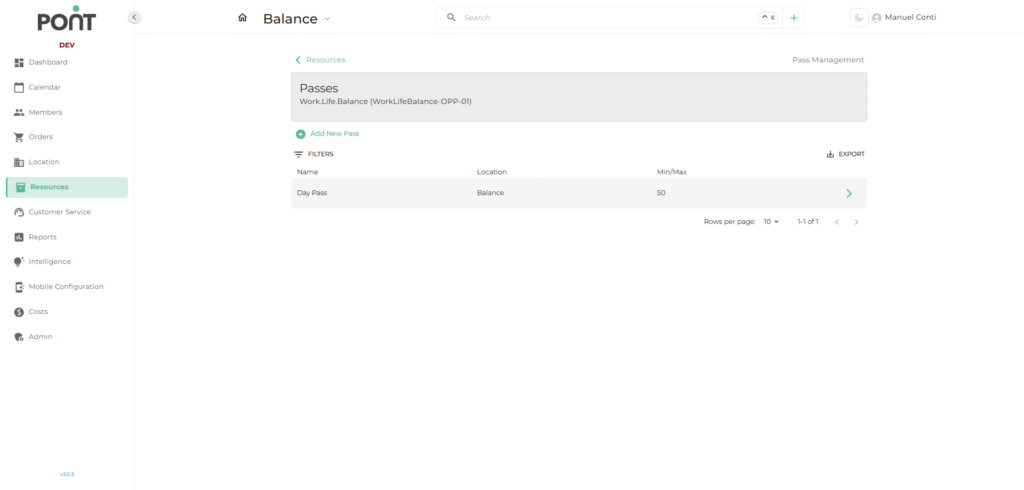
The Passes Section under the Resources module is dedicated to managing various access passes such as day passes, drop-in passes, and quick-access passes. It allows operators to create, monitor, and control the availability and usage of passes across different locations.
🔑 Key Features
- Search by Name
• Quickly locate a specific pass by typing its name in the filter section. - Clear All
• Instantly reset all applied filters to view the complete list of available passes. - Quick Actions
• ➕ Add New Pass: Create and configure a new pass entry.
• ➡ Expand Icon: Open the selected pass to view or edit its details.
• 📤 Export: Download the list of passes for reporting or record-keeping.
📑 Fields in the Pass List
- Name
• The designated title of the pass as it appears in the system. - Location
• Indicates the specific site or branch where the pass is valid. - Min/Max
• Displays the configured limits for the pass (e.g., maximum number of passes available or allocated per day).