Add Company
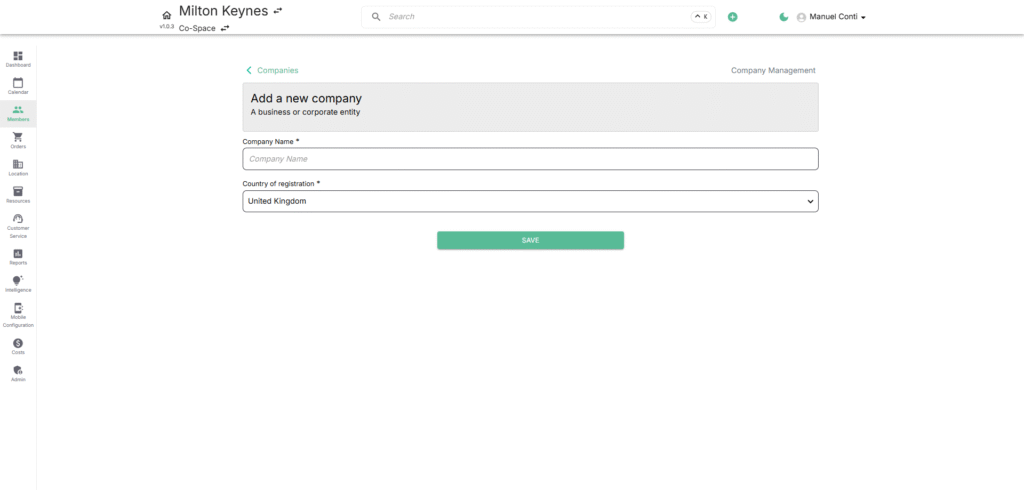
Purpose:
Add a new company profile to the portal for billing, membership, and order management.
Steps to Add a Company
- Click ➕ Add New Company in the Companies section.
- Fill in mandatory fields:
- Company Name* – Legal or trading name of the company.
- Country of Registration* – Select from dropdown.
- (Optional) Add other company details after creation (contacts, billing info, orders, etc.).
- Click Save to create the company record.
✅ Tip: Start with minimum required details, then expand with billing and documentation later.